Button Design: The Science Behind Clickable Elements

The Psychology of Buttons
Buttons are not just simple clickable elements; they are pivotal components of user experience on digital platforms. The design of these buttons plays a crucial role in user interaction and engagement. Understanding the psychological impact of button design can help create a more intuitive and effective interface.
Color Matters
Color psychology is essential in determining how users perceive and react to buttons. Different colors evoke different emotions and responses. For instance, warm colors like red and orange can create a sense of urgency, while cooler colors like blue promote trust and calmness. Selecting the right color for a button can significantly influence click-through rates.
Size and Shape
The size and shape of a button are also critical factors. A button that is too small may go unnoticed, while one that is too large can be overwhelming. Generally, larger buttons are perceived as more clickable, which increases user interaction. Rounded corners are often preferred as they feel more inviting, compared to sharp edges that can suggest rigidity.
Placement and Proximity
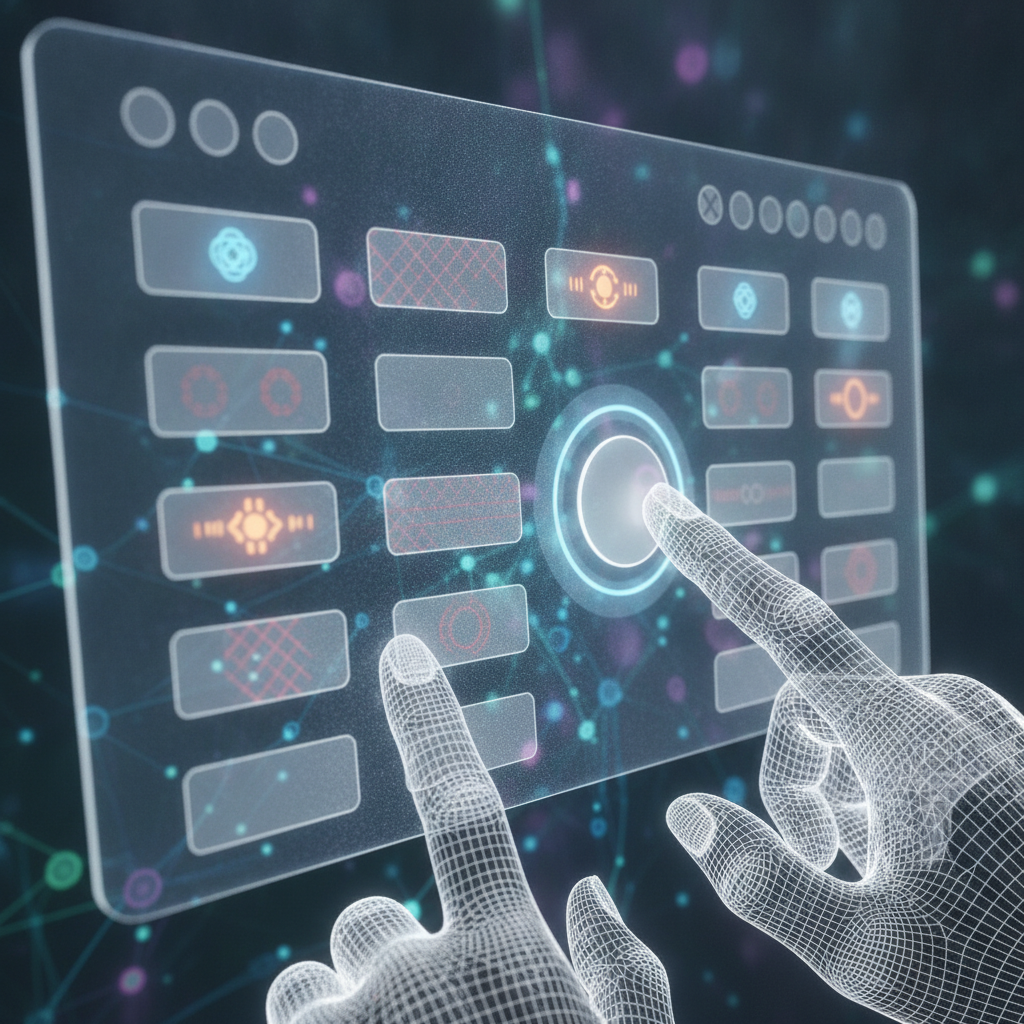
Placement of buttons within a layout can dictate user behavior. Buttons that are strategically placed in high-traffic areas, such as the top of a page or alongside relevant content, tend to receive more clicks. Additionally, the proximity of buttons to related information can enhance their visibility and usability, guiding users more effectively toward their desired actions.
"Good button design is about more than aesthetics; it's about creating a functional element that users understand and want to engage with."
Feedback and Affordance
Buttons should provide immediate feedback when interacted with. This feedback can be visual, such as a color change or animation, or tactile, like a subtle vibration on mobile devices. Feedback reassures users that their action has been registered. Furthermore, the design should indicate affordance, meaning that a button should look clickable. Shadows, gradients, and 3D effects can help signal that an element is interactive.
Testing and Iteration
No design is perfect from the outset. Regular testing and user feedback are essential to refine and enhance button design. A/B testing different styles, colors, and placements can reveal which variations lead to better engagement and user satisfaction. Continuous iteration based on data helps create buttons that cater effectively to user preferences.
Conclusion
In the digital world, buttons are more than mere functional elements; they are a bridge between users and their interactions with content. By understanding the science behind button design and applying psychological principles, designers can create more engaging, intuitive, and efficient clickable elements that enhance overall user experience.